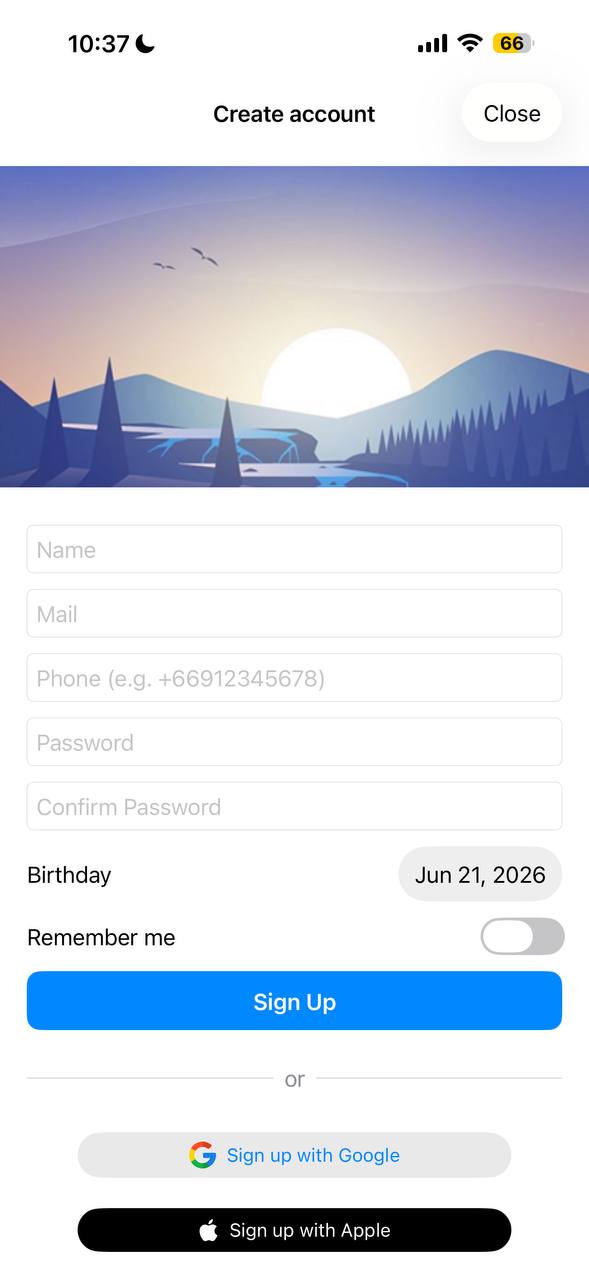
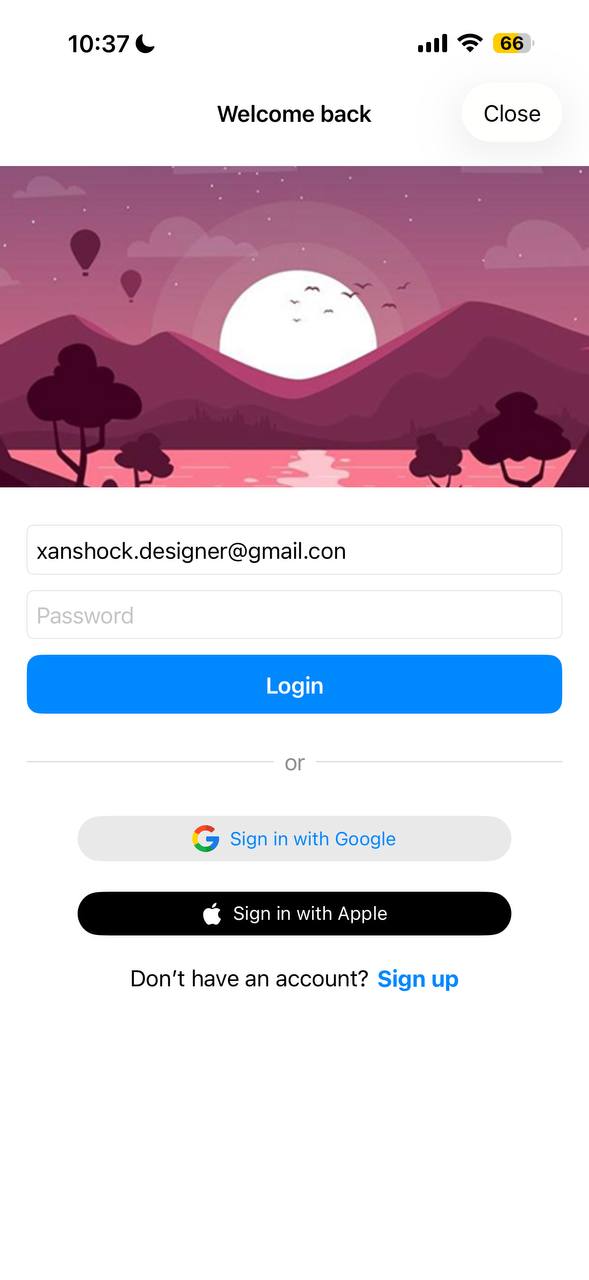
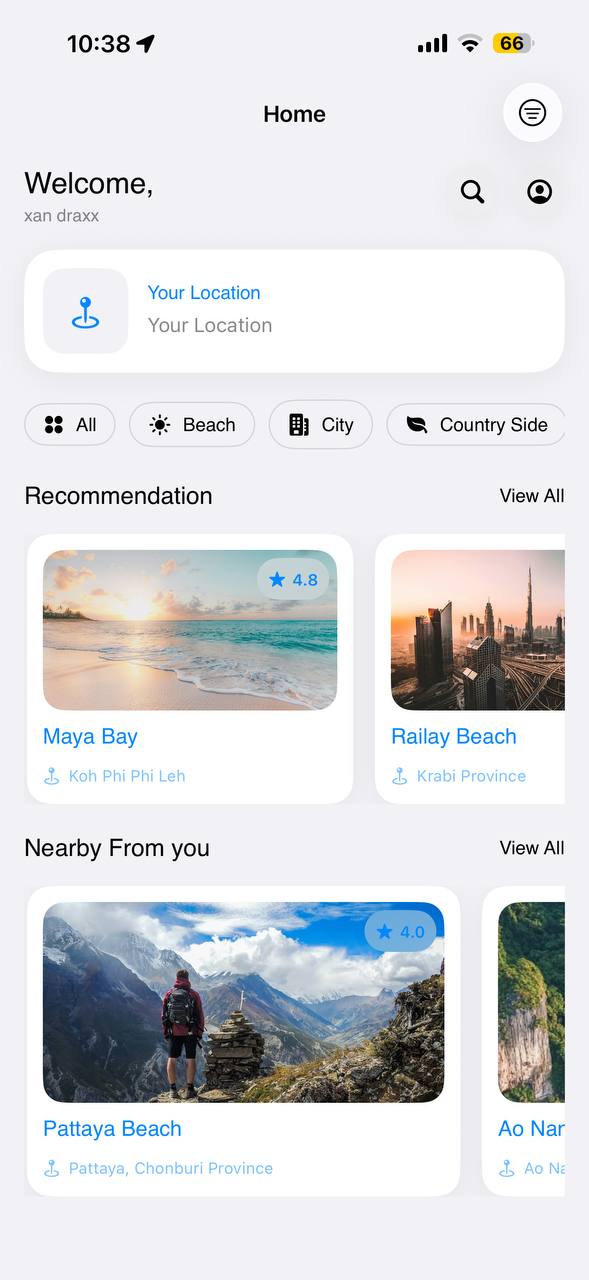
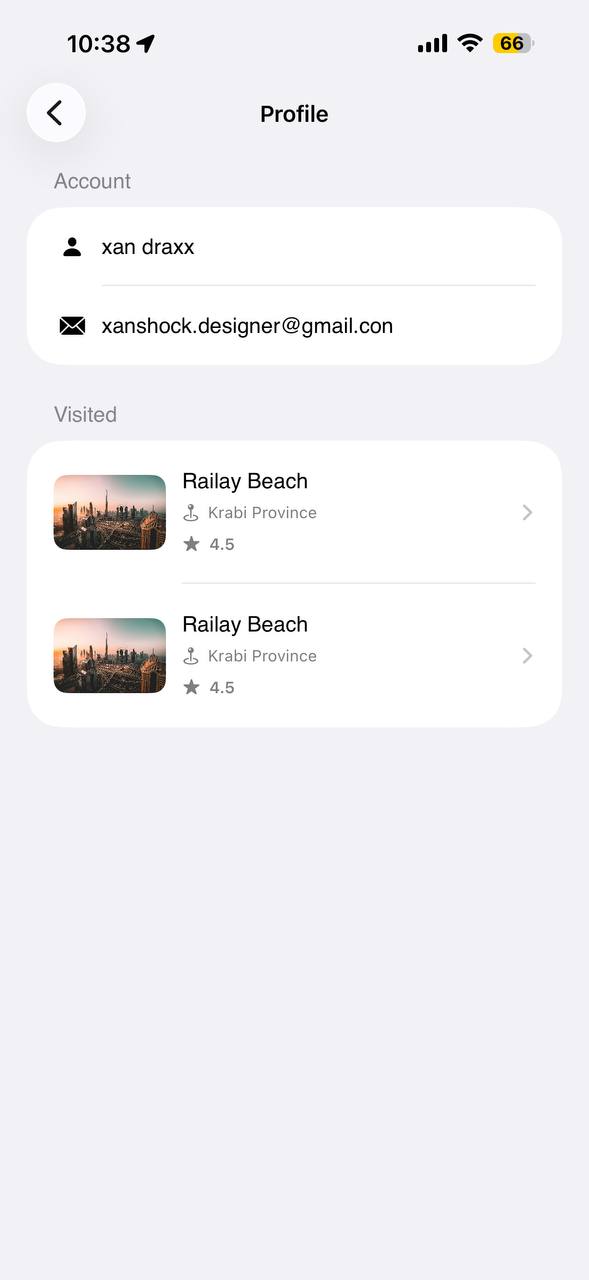
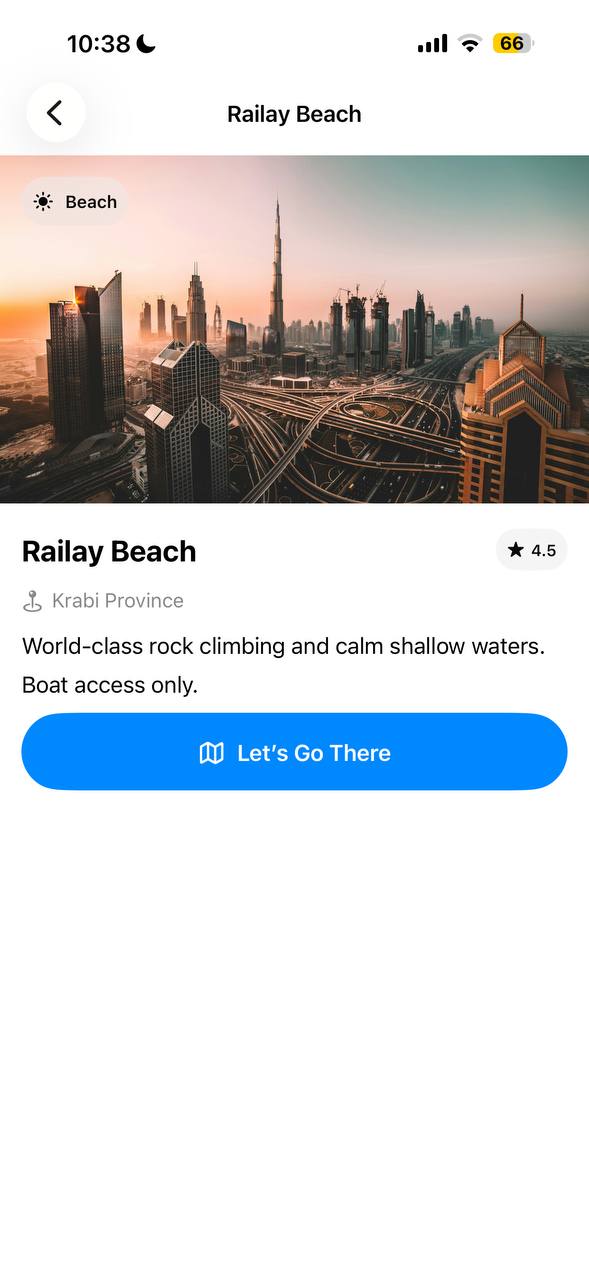
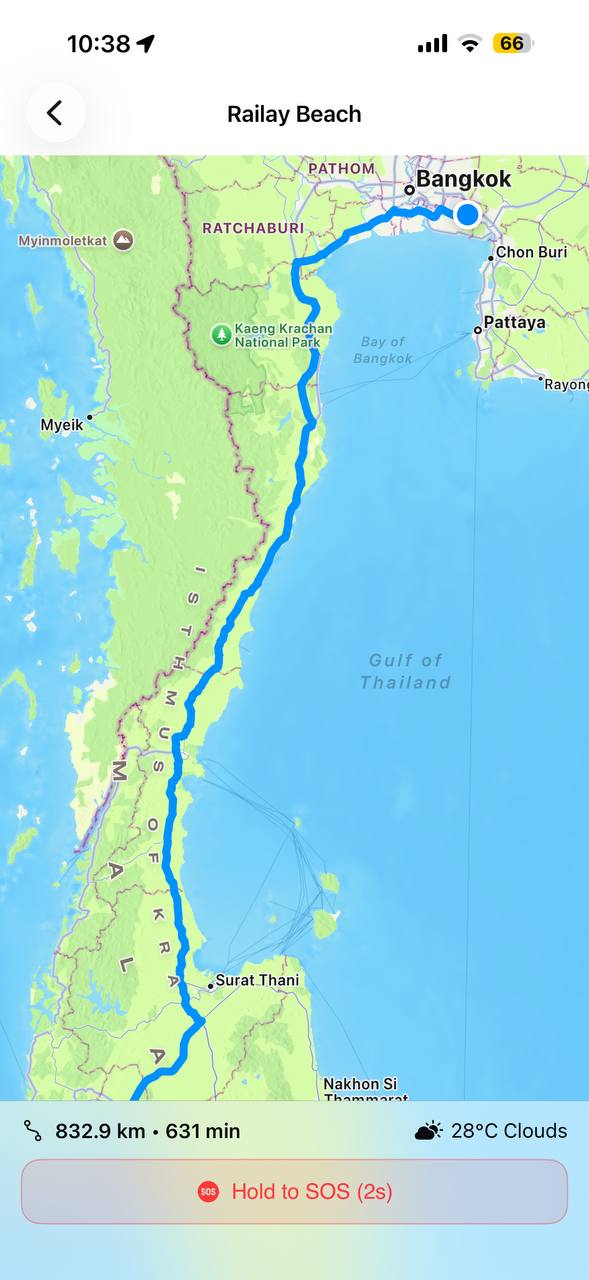
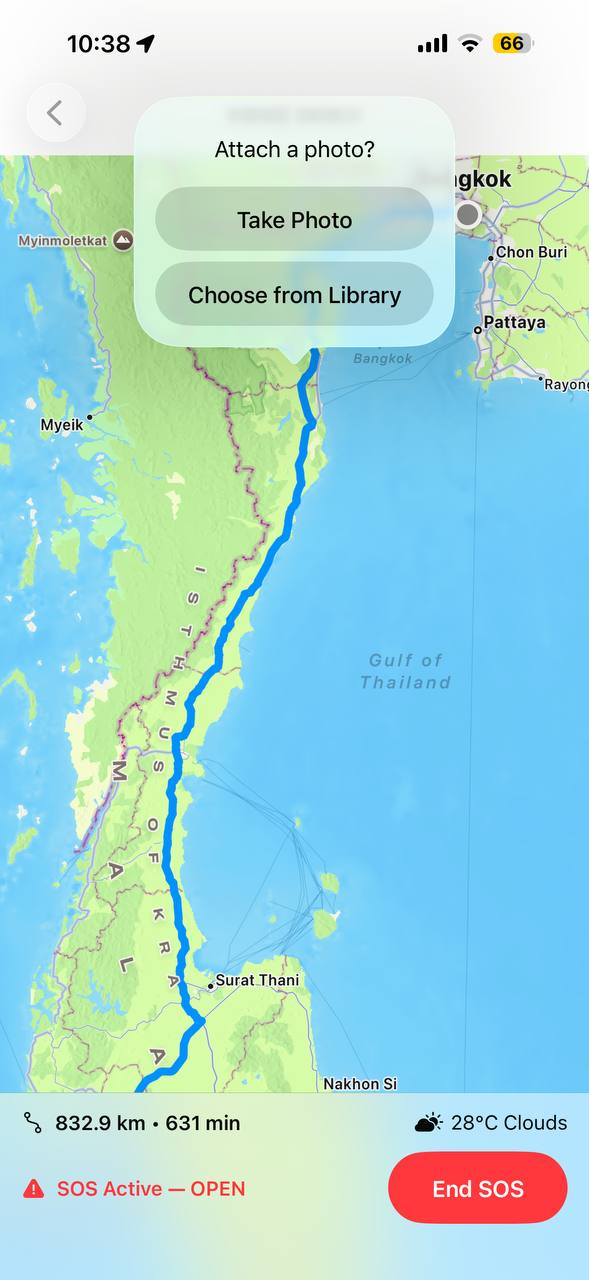
A travel safety companion designed to help users stay informed, prepared, and protected while exploring new destinations.
Safe Travel turns scattered government advisories, embassy numbers, and local know‑how into one calm, always‑on companion that lives in a traveler's pocket.
Replace a dozen scattered apps and browser tabs with a single, native iOS experience that surfaces the right safety information at the right moment before, during, and after a trip.
Travel advisories, emergency numbers, and local risk data live across embassy sites, forums, and outdated PDFs. Safe Travel consolidates them into live, location‑aware guidance.
Solo explorers, digital nomads, and frequent flyers who value preparation over panic, and want quick access to help without digging through settings menus.
From first launch to live alerts, every screen was designed to reduce friction in moments that matter especially the stressful ones.
Each stage fed directly into the next research findings shaped the wireframes, wireframes were validated before a line of SwiftUI was written.
Interviewed frequent travelers and reviewed existing safety apps to map gaps in real‑time alerting and emergency access.
Low‑fidelity flows for the seven core screens, prioritizing one‑handed use and emergency reachability within two taps.
Translated wireframes into a dark, glass‑accented interface that stays legible in bright sun and low‑light travel conditions.
Built natively in SwiftUI with an MVVM architecture, Firebase for auth and live data, and MapKit for location‑aware features.
Field‑tested across regions with spotty connectivity to confirm alerts and emergency contacts remained reliable offline.
Declarative interface layer for fluid transitions and a fully native feel across every screen.
Authentication, live alert delivery, and per‑user settings sync, backed by real‑time Firestore.
Location‑aware risk scoring, nearby alerts, and the live map embedded in the home dashboard.
Clear separation of view and logic, keeping safety‑critical data flows predictable and testable.
A focused, glass‑accented dark interface that puts safety information first and never asks travelers to dig for it.
Smooth 60fps interactions throughout, with live alerts and map updates arriving without perceptible lag.
Built entirely in SwiftUI, the app feels indistinguishable from a first‑party Apple application.